Introduction: Can an App Really Diagnose Plant Problems in 2026?
In 2026, the question isn’t whether AI can spot plant diseases—it’s how reliably and how fast. The Plantix plant disease app uses computer vision on your phone to flag likely pests, pathogens, and nutrient issues from photos. For time-pressed gardeners and smallholders, that instant triage can mean catching outbreaks before they spread.
Still, diagnosis is rarely one-and-done. Lighting, image quality, crop stage, and look-alike symptoms can nudge results off course. Below, we break down what Plantix does well, where it struggles, and how to capture photos that improve accuracy—plus pricing, privacy, and practical alternatives.
Quick Summary: Plantix offers photo diagnosis, crop guides, and community; accuracy improves with clear, well-lit images
- Core value: Fast, photo-based triage for plant diseases, pests, and deficiencies, with crop care guides and a grower community.
- Best for: Home gardeners and smallholder farmers needing rapid, on-farm decision support.
- Accuracy improves with sharp, well-lit, close-up images and multiple angles of symptomatic tissue.
- Limits exist: Complex, mixed infections and early-stage symptoms often require expert confirmation or lab tests.
- Privacy: Review photo/location settings and opt out of data sharing where available.
What Plantix Is and Who It’s For: Home Gardeners to Smallholders
Plantix is a mobile plant health platform that uses image recognition to suggest likely causes of leaf spots, blights, insect damage, and nutrient disorders. It pairs that with actionable crop guides and a peer community that shares photos and field-tested fixes.
It’s purpose-built for home gardeners who want quick answers and smallholder farmers who need low-cost, scalable support for crop scouting. Extension agents and agronomists may also use it as a first-pass triage before advising sampling or lab diagnostics. For more practical tips on field diagnosis workflows, see the latest posts on PlantDoctoring’s feed.
Core Features and 2026 Updates: Photo ID, Alerts, Region Data, Community
- Photo identification: Upload or snap images; the app suggests probable diseases, pests, or deficiencies with confidence hints.
- Crop-specific guides: Symptom checklists, prevention tips, and treatment options aligned with integrated pest management (IPM).
- Regional risk insights: Location-aware disease and pest pressure trends help prioritize scouting.
- Community Q&A: Share cases, compare symptoms, and get crowd feedback to cross-check the AI’s output.
- 2026 enhancements (typical updates): Sharper image models for common crops, improved low-bandwidth handling, and more localized alerts. Availability can vary by region and app version—check in-app release notes.
For background on precision farming concepts that underpin these features, see Precision agriculture (Wikipedia).
Accuracy and Limitations: When AI Shines—and When to Seek Lab Tests
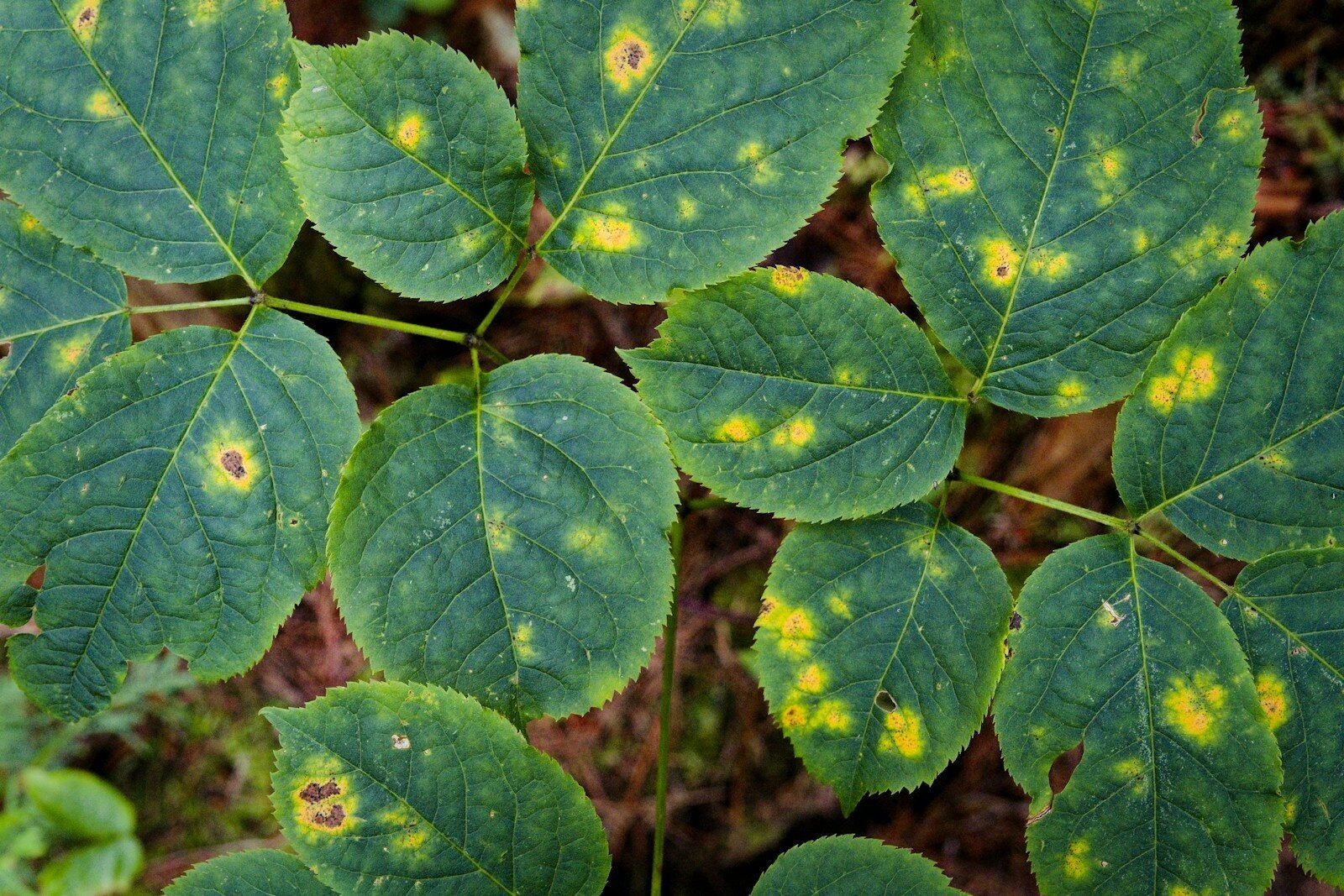
Plantix shines on distinctive visual patterns such as powdery mildew, late blight lesions, or classic insect feeding. Confidence improves further when users add clear, well-framed images and short crop context.
It’s less reliable for early, non-specific symptoms (e.g., general chlorosis), overlapping issues (disease + nutrient stress), or pathogens requiring microscopy. When the stakes are high or symptoms are atypical, pursue confirmatory testing via labs or extension services and follow IPM protocols. Learn more about integrated approaches on Integrated pest management (Wikipedia).
Pricing and Plans: Free vs Premium, What You Actually Get
- Free tier: Core photo diagnosis, basic crop guides, and access to community discussions.
- Premium (where available): Faster responses, deeper guidance libraries, enhanced regional insights, and potential offline reference packs.
Pricing and included features can vary by country and season. Always verify current terms on official app listings or the developer’s site: plantix.net. If you rely on the app for commercial decisions, evaluate total cost versus savings from reduced crop loss and fewer misapplied inputs.
How to Get Better Results: Photo Angles, Lighting, Background, Multiple Shots
- Use natural light: Shoot in bright shade or overcast daylight. Avoid harsh glare and nighttime flash when possible.
- Go close, stay sharp: Fill the frame with the symptomatic area; tap to focus; steady your hands or brace on a surface.
- Neutral background: Place a plain card or paper behind the leaf to reduce clutter and improve edge detection.
- Show context: Capture 2–3 photos: close-up of lesions, entire leaf, and the whole plant or canopy.
- Add scale: Include a coin or ruler edge near the symptom (without covering it) to indicate lesion size.
- Avoid contamination: Don’t photograph wet leaves after spraying or irrigation; residues can mimic disease films.
For more field photography pointers, browse the latest plant diagnosis articles on PlantDoctoring.
Privacy and Data Use: Photos, Location, and Opt-Out Tips
- Photos: Uploaded images may be used to improve models. Review the app’s data policy and delete any unwanted uploads from your profile if the option exists.
- Location: Region data powers local alerts. If sensitive, limit precision or disable geolocation in your device settings.
- Analytics/ads: Where offered, opt out of personalized ads or analytics. Clear app cache and revoke unneeded permissions.
- Community posts: Assume anything shared publicly is visible to others; blur identifiable backgrounds.
Periodically revisit permissions after major updates. Responsible data use helps the ecosystem while protecting your operation’s privacy.
Best Use Cases and Alternatives: Extension Services, IPM Resources
- Best use cases: Fast triage during scouting, confirming likely causes you already suspect, and monitoring regional risk to prioritize fields.
- Combine with experts: Use Plantix alongside agricultural extension and agronomists, especially for high-value crops. See Agricultural extension (Wikipedia).
- IPM resources: Cross-check cultural controls, resistant varieties, and thresholds before spraying. Explore IPM-focused guidance on PlantDoctoring.
- Alternative tools: Local pest alerts, university diagnostic keys, and lab services deliver higher certainty for complex cases.
Conclusion: A Handy First Look—Verify Before You Treat
The Plantix plant disease app offers quick, practical guidance for diagnosing common plant problems and planning next steps. Treat its output as a first look, not the final word. Pair clear, well-lit photos with agronomic context, verify with reliable sources, and escalate to experts or labs when symptoms are atypical or the crop risk is high.
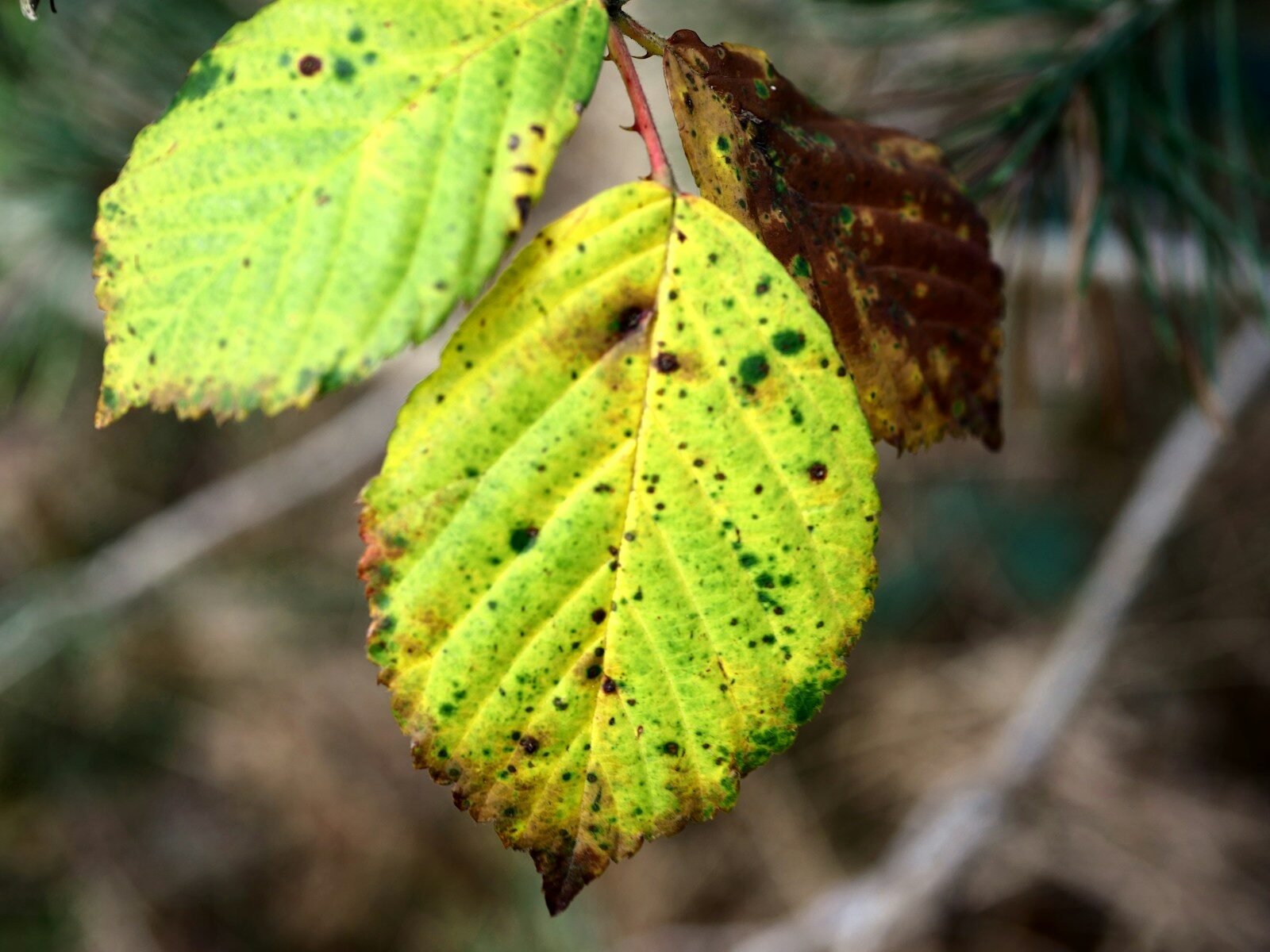
FAQ: Does it work offline? Supported crops? Can it misdiagnose? Is expert review included? How to report wrong results?
- Does it work offline? Core AI recognition typically requires connectivity, but some reference content or cached guides may be available offline depending on your version. Test your fields in airplane mode before relying on it.
- Which crops are supported? Major horticultural and field crops are prioritized, with coverage strongest for widely grown species. Check the in-app crop list to confirm support in your region.
- Can it misdiagnose? Yes. Look-alike symptoms, mixed stressors, or poor images can shift results. Use multiple photos and cross-check with IPM guidance before taking action.
- Is expert review included? Community feedback is common on free tiers; faster expert input may be part of premium offerings where available. Verify details in the app’s plan descriptions.
- How do I report wrong results? Use the in-app feedback/report feature (often found near the diagnosis card) and upload clearer images. This helps refine future model performance.
For further reading on field diagnostics and IPM decision-making, see PlantDoctoring’s guides.