Introduction: Plantix App Guide — Accurate Plant Disease Diagnosis Made Simple
If you need fast, reliable identification of crop issues, the Plantix app brings AI-powered insights to your pocket. Designed for growers and agronomists, it analyzes photos to suggest likely pests, diseases, and nutrient deficiencies—then pairs them with practical actions.
This guide explains how to get the most from Plantix plant disease diagnosis, from capturing a great image to interpreting results with confidence. You’ll learn features, privacy basics, and when to escalate to lab testing or a local expert.
For background reading on common symptoms, browse the plant problems library alongside your app results.
Quick Summary: What Plantix Does Best and Who It’s For
- What it does best: Rapid photo-based diagnosis of visible crop problems with actionable, region-aware recommendations.
- Ideal users: Smallholder farmers, commercial growers, home gardeners, field scouts, agronomists, and extension officers.
- Top advantages: AI suggestions, symptom comparisons, community Q&A, and treatment guidance to save time and reduce guesswork.
- When to use: As a first-line tool for leaf spots, blights, insect damage, nutrient disorders, and abiotic stress indicators.
Pair Plantix with agronomic judgment and reputable references like the crop problem indexes for cross-checking.
Features Overview: Crops Covered, Regions, AI Diagnosis, and Community Help
- Broad crop coverage: Major field crops, vegetables, and fruits—tomato, potato, maize, rice, wheat, legumes, citrus, and more.
- Region-aware insights: Suggestions reflect common problems in your area when location is enabled; advice may vary by climate and season.
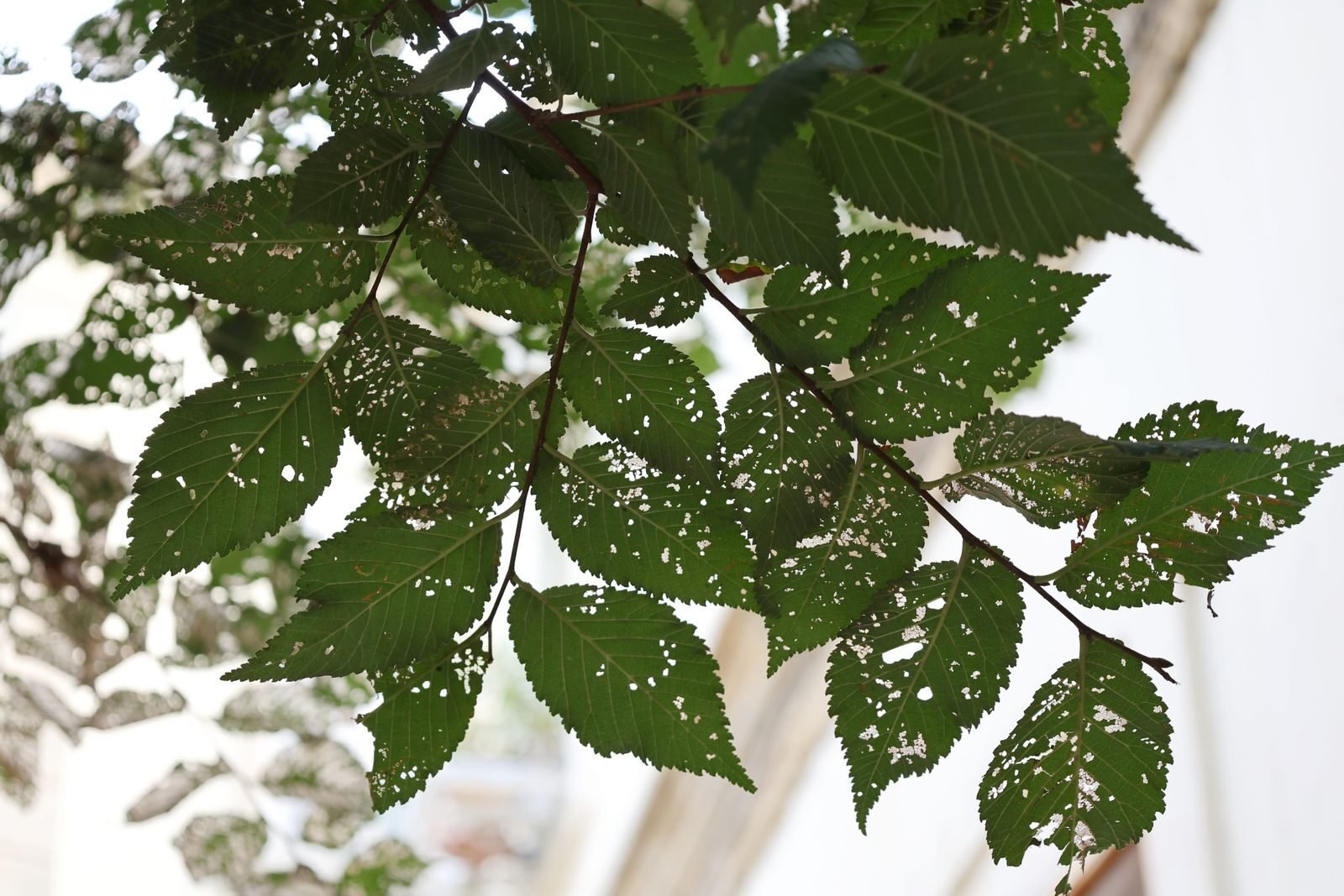
- AI-powered diagnosis: Computer vision analyzes patterns such as leaf lesions, chlorosis, mildew, cankers, and pest feeding damage.
- Community support: Post images and questions to get peer feedback from growers and agronomists, adding context beyond the AI result.
- Recommendations: Cultural practices, IPM tactics, and product categories (where applicable) to act safely and effectively.
Use these features with agronomic best practices, and consult references like this plant-problems hub for deeper symptom comparisons.
Step-by-Step: Capture, Submit, and Interpret a Diagnosis in Plantix
- Inspect the plant: Note the crop stage, pattern of damage (lower vs. upper canopy), and any recent weather or input changes.
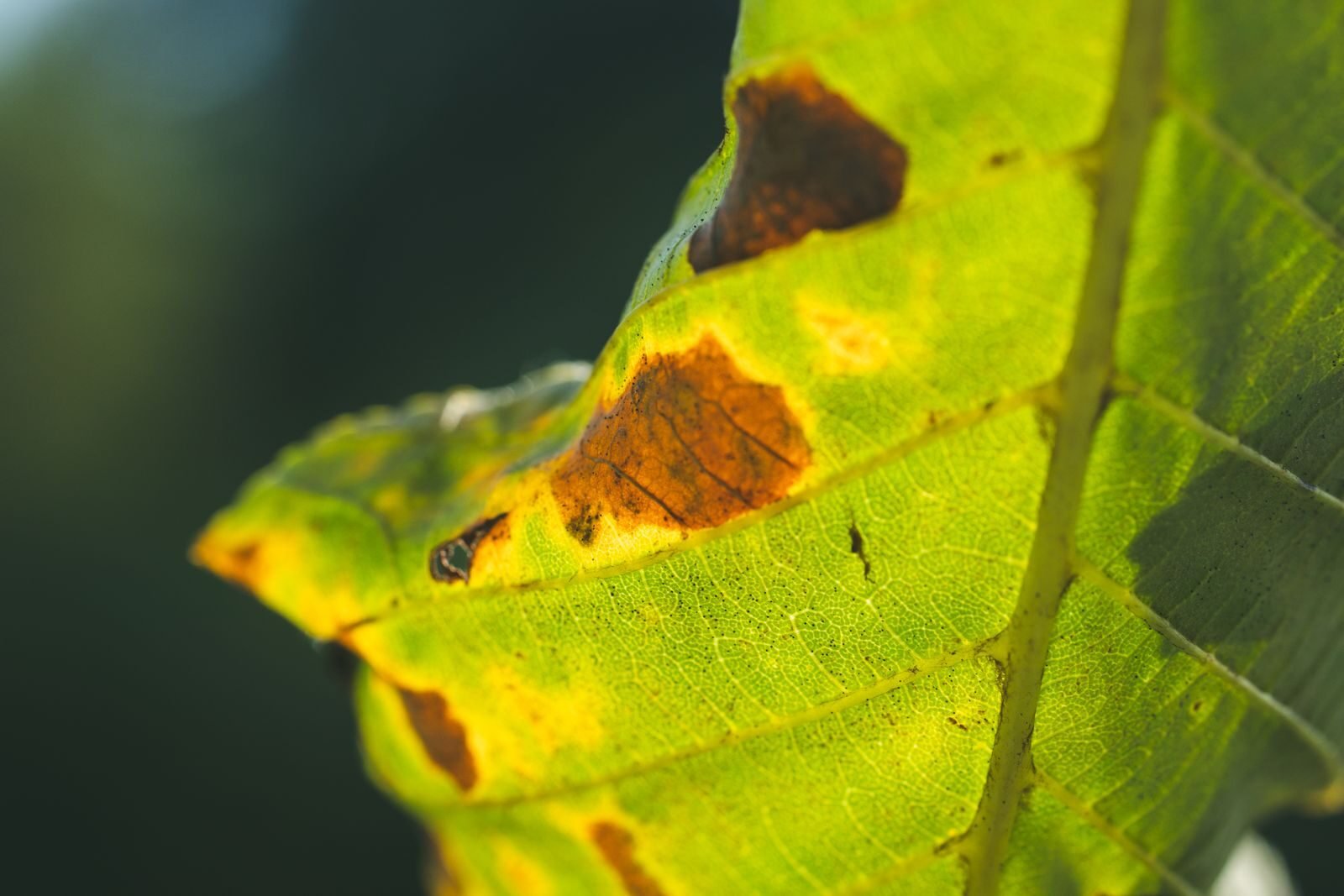
- Capture clear photos: Take one close-up of the lesion and one wider shot of the whole plant or plot. Avoid harsh shadows or blur.
- Submit in-app: Open Plantix, choose the crop, and upload 2–3 images. If prompted, add brief notes on symptoms and timing.
- Review results: Check the top diagnosis and any alternatives. Read key symptoms and look for a confidence level where available.
- Cross-check: Compare listed symptoms against a trusted source like the plant problems directory before taking action.
- Act: Follow recommended cultural controls first, then consider approved treatments as needed.
Improve Accuracy: Photo Technique, Symptom Context, and Rechecks
- Use natural light: Photograph in bright, diffused light; avoid glare and heavy shadow. Wipe lenses for clarity.
- Focus and scale: Use autofocus on the lesion edge; include a coin or fingertip for size reference.
- Multiple angles: Capture upper and lower leaf surfaces, stem/petiole, and a full-plant shot for context.
- Stage and spread: Note whether symptoms are new or old, localized or systemic, and which leaves are affected first.
- Recheck after action: If the diagnosis is uncertain, resubmit images in 2–3 days to see if symptoms evolve toward a clearer pattern.
Better inputs mean better Plantix plant disease diagnosis and fewer missteps in treatment.
Privacy & Data: What’s Collected, Connectivity Needs, and Account Settings
- Data collected (typical): Uploaded photos, basic device/app metadata, and approximate location if you grant permission. Usage analytics may be aggregated.
- Connectivity: An internet connection is required to submit images and receive AI results. Without connectivity, submissions queue until back online.
- Account controls: Review permissions, adjust notifications, and manage saved submissions. Check the in-app privacy policy for region-specific details.
- Data hygiene: Remove personally identifying backgrounds from photos, and avoid including people in images.
Always verify current policies inside the app before sharing sensitive context or precise locations.
Pro Tips: Using Recommendations, Alerts, and Seasonality Insights
- Turn on alerts: Enable notifications for emerging regional pests and disease risk periods to act proactively.
- Lean on IPM: Prioritize resistant varieties, sanitation, rotation, and biological controls before chemical options.
- Localize actions: Tailor recommendations by crop stage and weather. A mild nutrient deficiency needs different steps than a late blight surge.
- Save and compare: Bookmark diagnoses across the season to spot recurring patterns and refine scouting routes.
- Cross-reference: Use the problem guides to validate symptoms before purchasing inputs.
Alternatives and When to Seek Lab Testing or Local Experts
AI tools accelerate scouting, but some issues require confirmation.
- Consider alternatives: Other diagnostic apps, regional extension portals, or commodity-board resources may complement Plantix.
- Get a lab test when: Viral mosaics, seed-borne pathogens, nematodes, or mixed infections are suspected; ELISA/PCR/soil assays provide certainty.
- Consult local experts: Extension agents and certified crop advisors interpret symptoms in the context of your soil, weather, and management history.
- Document thoroughly: Keep photos, dates, inputs used, and field locations to speed expert triage.
If app results and field reality diverge, pause interventions and escalate for confirmation.
Conclusion: Confidently Diagnose and Act with Plantix
With clear photos and good agronomic context, Plantix delivers fast, practical insights that help you protect yield and reduce unnecessary sprays.
Use it as a first check, compare with trusted references like the plant problems hub, and escalate to experts when the stakes or uncertainty are high.
That balanced approach makes Plantix plant disease diagnosis a reliable partner from seedling to harvest.
FAQ: Plantix — Pricing, Availability, and Support
- Is Plantix free? The app is typically free to download; availability of premium features or regional offerings can vary. Check your app store listing for current details.
- Where is it available? Widely available on Android in many regions; regional access and language support may differ. Search your local store to confirm.
- Does it work offline? You need connectivity to submit images and get new AI results. Saved content may be viewable offline.
- Which languages are supported? Multiple languages are commonly available; see the app’s settings for your region’s options.
- How do I contact support? Use in‑app help or the support link in the app store listing. Include screenshots, crop, location (approximate), and recent actions.
- Can I trust the diagnosis? Treat AI outputs as decision support. Cross‑check with field signs and references like the symptom library, and consult experts for high‑risk calls.