Introduction: Download a Plant Disease Identification App You Can Trust
When you need fast answers about spots, blights, or wilting, the simplest first step is to download a plant disease identification app. These tools blend AI, expert input, and community knowledge to turn a quick photo into a shortlist of likely problems and treatments.
Whether you grow houseplants, vegetables, or ornamentals, a good plant disease diagnosis app can save time and reduce guesswork. Used properly—with clear photos and context—apps help you make smarter decisions about care, prevention, and when to seek expert help.
Quick Summary: Best Free Picks and How to Use Them Well
If you want a fast start, try these free options:
- Plantix — Focused on crop and garden diseases; strong AI with practical advice.
- Google Lens — General visual search that can surface plant disease pages quickly.
- iNaturalist — Community-powered IDs; great for confirmation and learning.
For best results: clean the lens, shoot in bright diffuse light, and capture multiple angles. Add context—recent weather, watering habits, and soil conditions. Then compare the app’s top suggestions with trusted resources like the plant problems library before acting.
Evaluation Criteria: Accuracy, Privacy, Offline Use, and Community Support
- Accuracy: Look for apps that show confidence levels, similar images, and science-backed references. Cross-check suggestions with credible guides like the Plant Problems hub.
- Privacy & Data: Review what photos and location data are stored, how they’re used, and whether you can delete submissions. Minimize identifiable backgrounds.
- Offline Functionality: Some apps cache models or guides, but most need internet for analysis. Offline read-only tips are a bonus during field work.
- Community & Expert Support: A strong forum or expert review helps refine edge cases, rare pathogens, and region-specific issues.
Balance all four factors. A slightly less fancy interface can be the smarter choice if it protects your data and delivers consistent, explainable results.
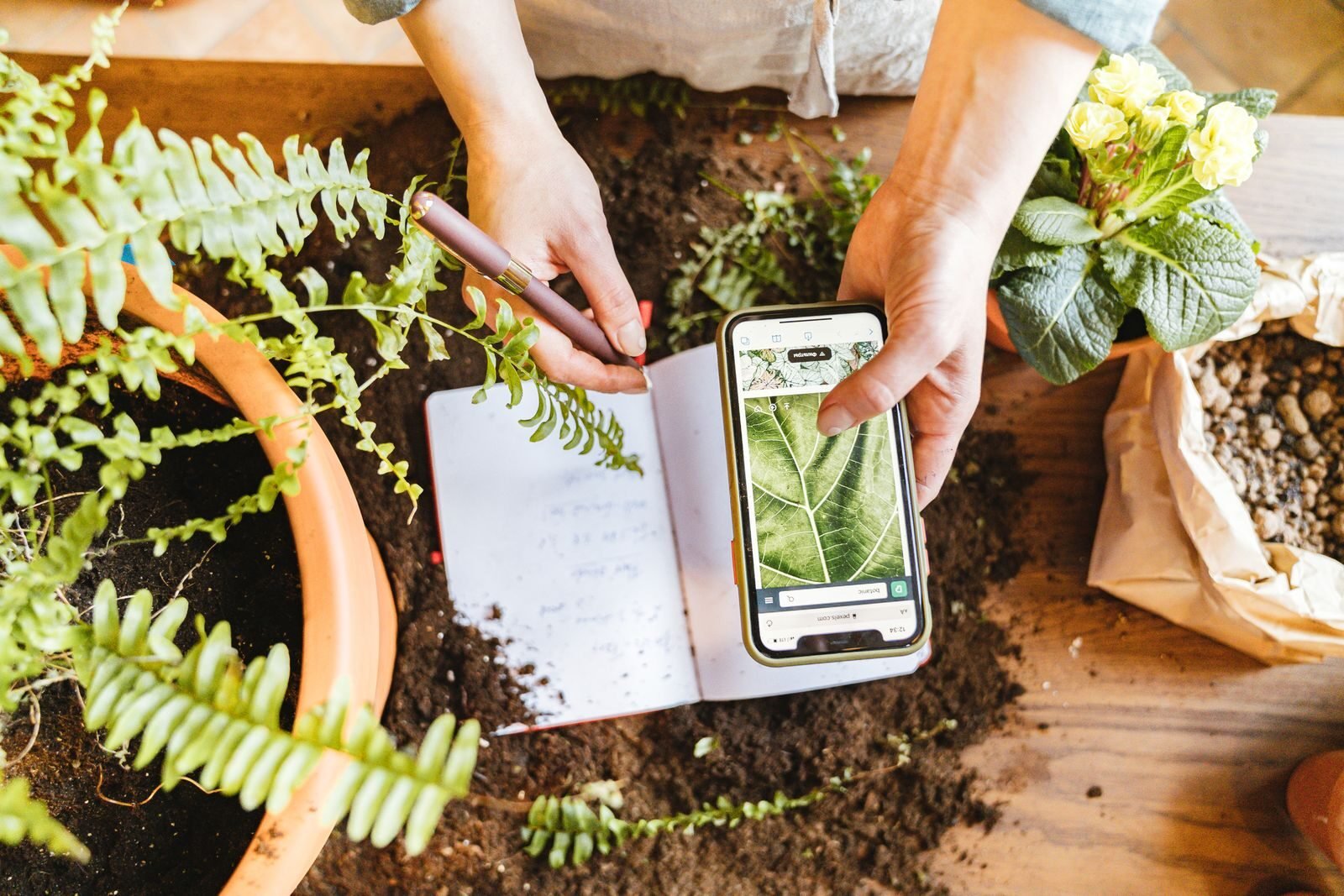
Top Free & Trusted Picks: Plantix, Google Lens, and iNaturalist Compared
Here’s how the top free options differ so you can pick the right tool for your situation:
- Plantix: Purpose-built for plant health and crop issues. Strong at common leaf spots, nutrient deficiencies, and pests. Offers actionable care tips. Typically requires internet; accuracy improves with clear images and common crops.
- Google Lens: Excellent at surfacing visually similar images and articles. Not plant-specific, but fast for quick checks. Best used as a gateway to reputable sources you can evaluate critically.
- iNaturalist: Community-driven with AI suggestions and expert review. Great for confirming IDs and learning seasonal or regional patterns. Expect a delay for human feedback; strongest for species ID and pattern recognition rather than prescriptive treatments.
No single app is perfect. Use them in combination: get rapid leads with Plantix or Lens, then seek validation via iNaturalist or a trusted resource like the plant disease troubleshooting archive.
Get Better Diagnoses: Photo Tips, Context Clues, and Follow-Up Actions
Quality inputs produce better results. Improve your diagnosis odds with these steps:
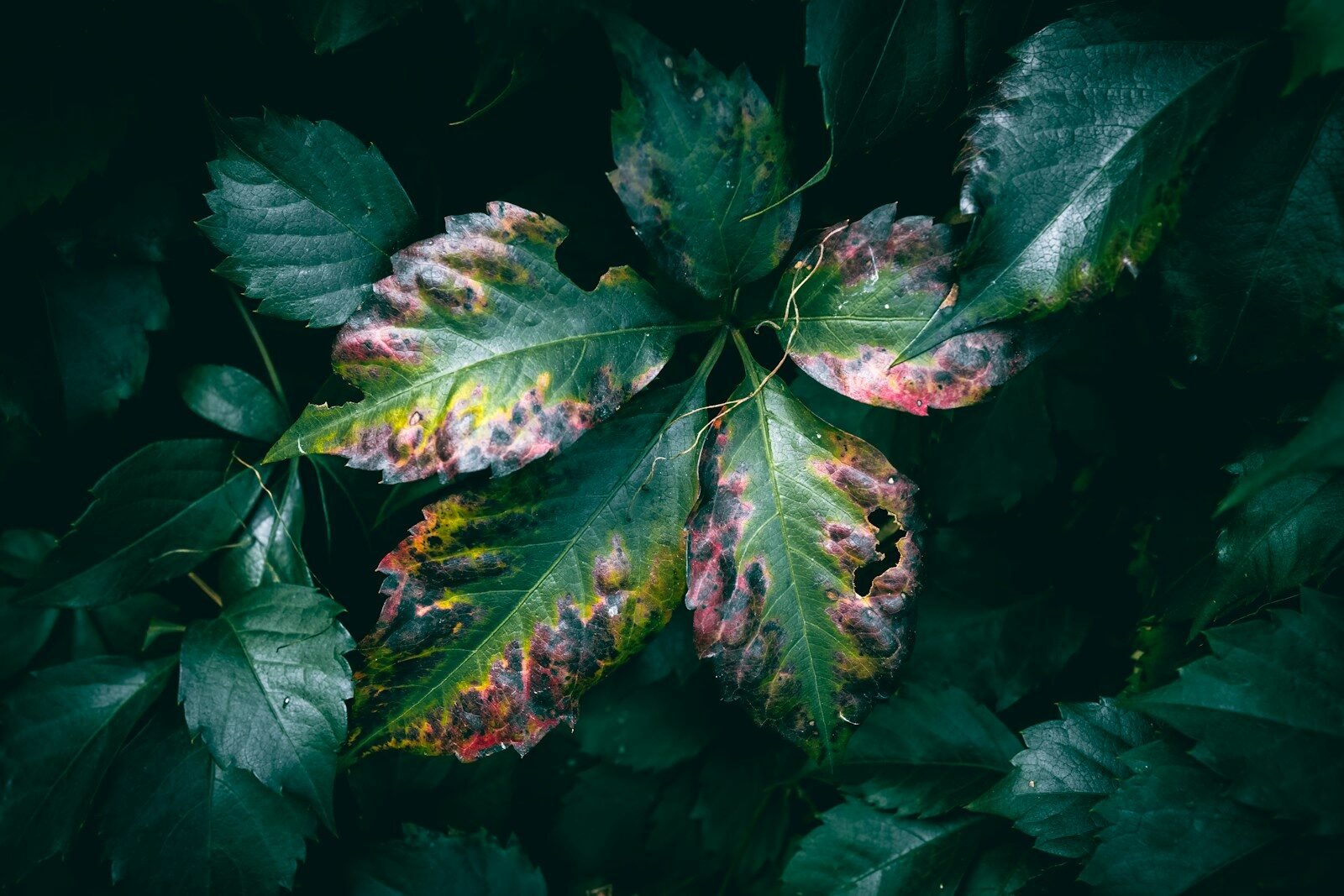
- Photo tips: Use bright shade (no harsh glare), focus on the boundary between healthy and affected tissue, include a scale (coin or ruler), and capture top, underside, and stem.
- Context clues: Note watering schedule, fertilizer use, recent weather (heat waves, humidity), plant age, and nearby species. Apps analyze pixels; you supply the backstory.
- Compare and confirm: Match your symptoms to reference photos and descriptions in the plant-problems section. Look for hallmark signs like powdery coatings, angular water-soaked lesions, or concentric rings.
- Follow-up actions: Start with low-risk steps: remove infected leaves, improve airflow, adjust watering, and isolate affected plants. Escalate treatments only after cross-checking multiple credible sources.
Know the Limits: When to Contact Extension Services or a Lab
Apps excel at common problems but have limits, especially with look-alike issues (fungal vs. bacterial spots) or mixed infections. If symptoms spread rapidly, crops are high value, or you see unusual patterns, seek expert help.
- Call your local Extension: Ask about submission protocols and regional outbreaks. Bring clear photos plus notes on irrigation, soil, and weather.
- Submit to a plant pathology lab: Labs can culture pathogens or run molecular tests for definitive IDs—essential for quarantine pests or regulated diseases.
- Document thoroughly: Keep a timeline, save app suggestions, and print references from the Plant Problems knowledge base to support your case.
Accurate diagnosis protects your garden and prevents unnecessary chemical use. Don’t hesitate to escalate when stakes are high.
Conclusion: Faster IDs, Smarter Decisions, Healthier Plants
When you download a plant disease identification app, you gain speed and confidence. Pair AI suggestions with careful photos, context, and reputable references to move from guessing to evidence-based care.
Use apps as your first pass, confirm with trusted guides, and escalate to experts when needed. The result is faster IDs, smarter treatment choices, and healthier plants throughout the season.
FAQ: Plant Disease Apps — Accuracy, Costs, and Data Concerns
Are plant disease identification apps accurate?
They’re increasingly reliable for common problems, but results vary by image quality, crop, and region. Always confirm with trusted sources like the Plant Problems library.
Which free app should I try first?
Start with Plantix for plant-health-specific suggestions, then cross-check with Google Lens results and iNaturalist community input.
Do these apps work offline?
Most need internet for AI analysis. Some offer limited offline tips or saved guides; download reference pages in advance if you’ll be in the field.
What about privacy and data use?
Review each app’s policy. Limit geotagging and identifiable backgrounds, and delete uploads you don’t want stored.
Can an app replace a lab test?
No. Apps are screening tools. For regulated pests, rapid spread, or high-value crops, consult Extension or a certified lab.
Are houseplants covered?
Yes—many apps recognize common houseplant issues like root rot, powdery mildew, and spider mite damage when photos are clear and well-lit.
How do I reduce misdiagnosis?
Provide multiple angles, include the underside of leaves, and add context (watering, fertilizer, recent weather). Cross-check with symptom guides before treating.
Is it safe to act on app advice immediately?
Start with low-risk cultural fixes. For chemicals, verify with a second source and follow the label exactly.